AquaFindr is powered by PayPal Marketplace. This allows for AquaFindr to mitigate non-payment risk between buyers and sellers while keeping your transactions clean and easy.
There are 3 ways to get your funds from AquaFindr:
- Basic Payouts – manual or scheduled withdraw
- PayPal
- ACH
- PayPal Marketplace – instant and automatic withdraw
https://env-aquafindrwp-premiumstag.kinsta.cloud/dashboard/settings/payment/
Basic Payouts #
At some point, after making sales, you’ll want to withdraw your profits!
After onboarding, in the seller dashboard navigation, click Withdraw.
If you haven’t yet, you’ll need to connect a PayPal account or ACH information.
Then you can request a payout or schedule payouts.

Get paid via PayPal Marketplace #
After setting up PayPal Marketplace, the withdraw option in the seller dashboard is no longer available since funds are sent straight to your connected PayPal Marketplace account.
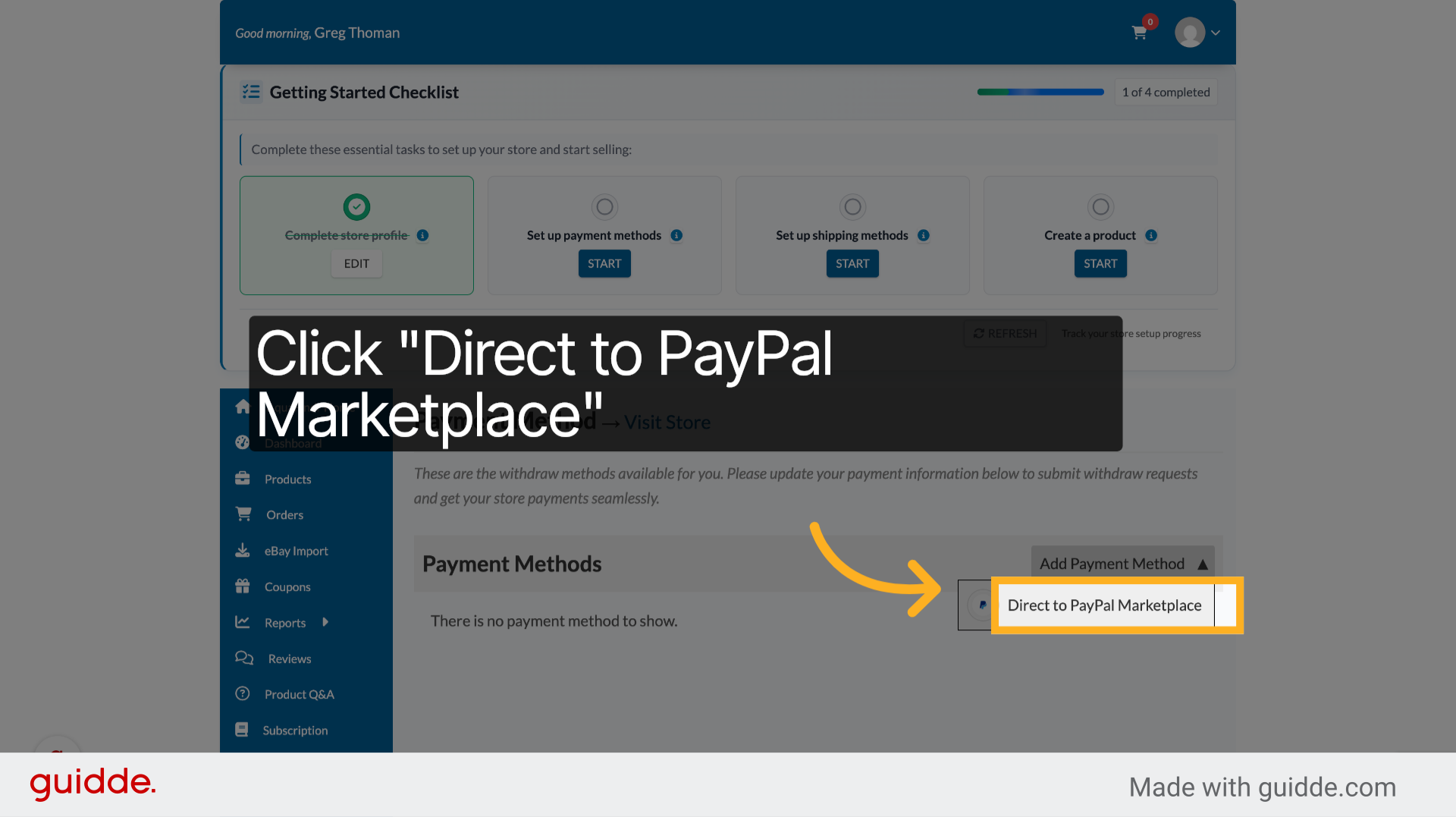
Tap Add Payment Method and select PayPal Marketplace. Add your PayPal account and follow the prompts. If you do not have a PayPal Business account, you will be prompted to convert yours – it’s quick, easy, and free!
⚠️ If you are having trouble getting through the PayPal Marketplace flow, try it in a different browser.
Connect PayPal to Your Vendor Account #
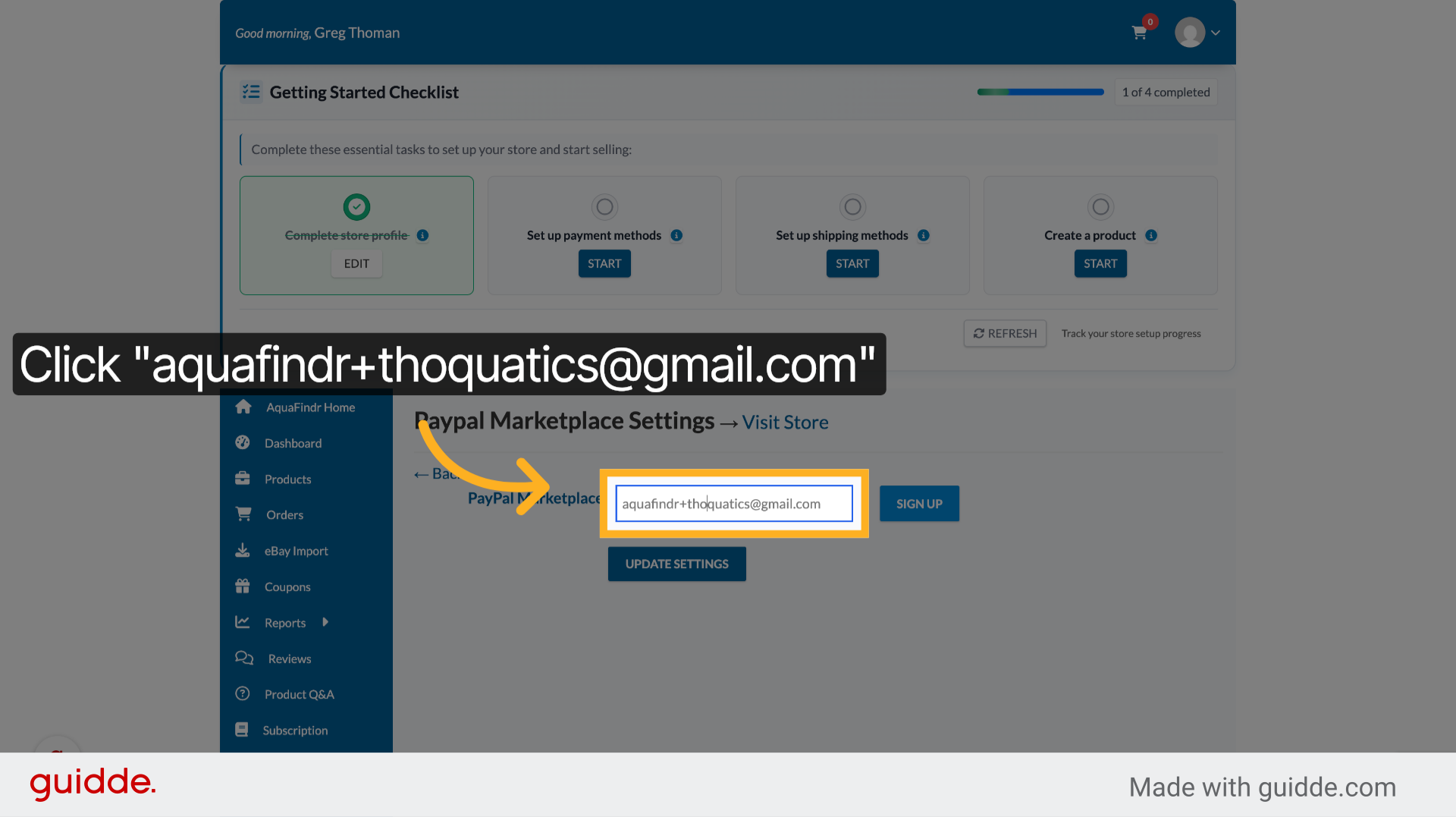
Enter PayPal Email #
Fill in your PayPal email address to connect your account.
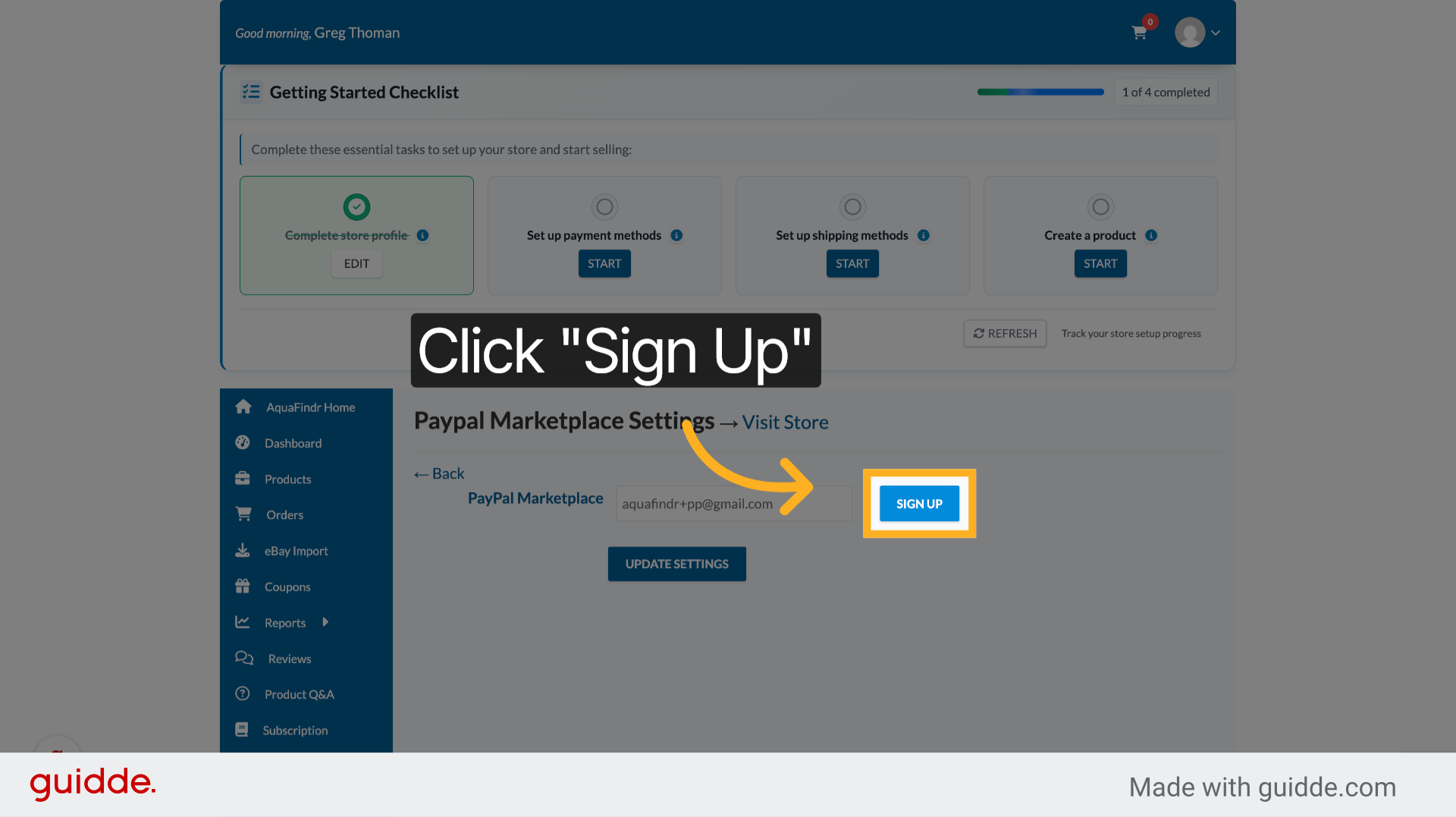
Confirm Sign Up #
Click Sign Up again to finalize the PayPal connection.
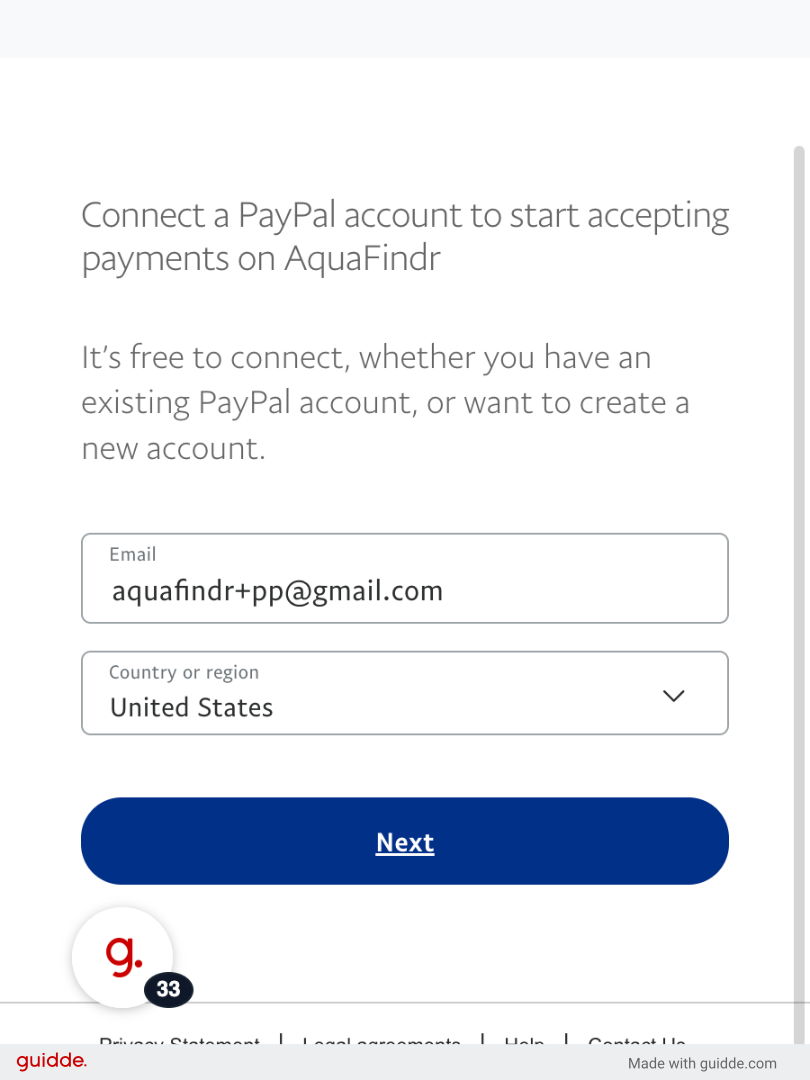
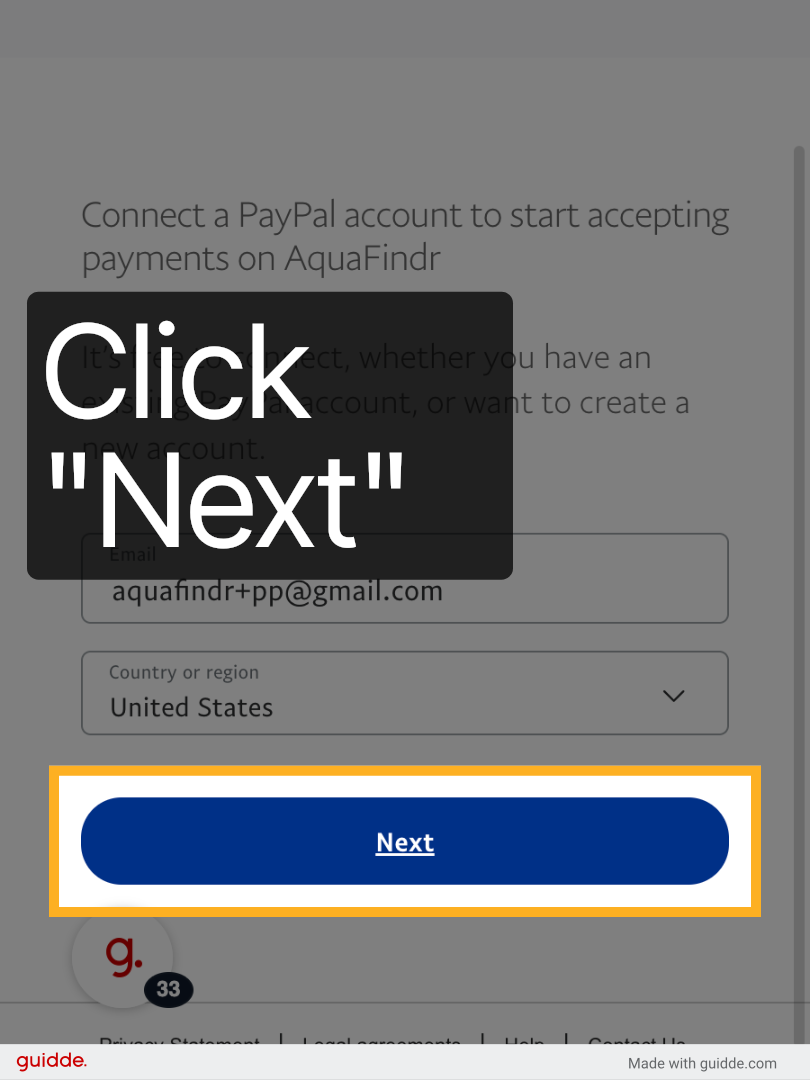
Click Next on PayPal #
Click Next to proceed with PayPal login.
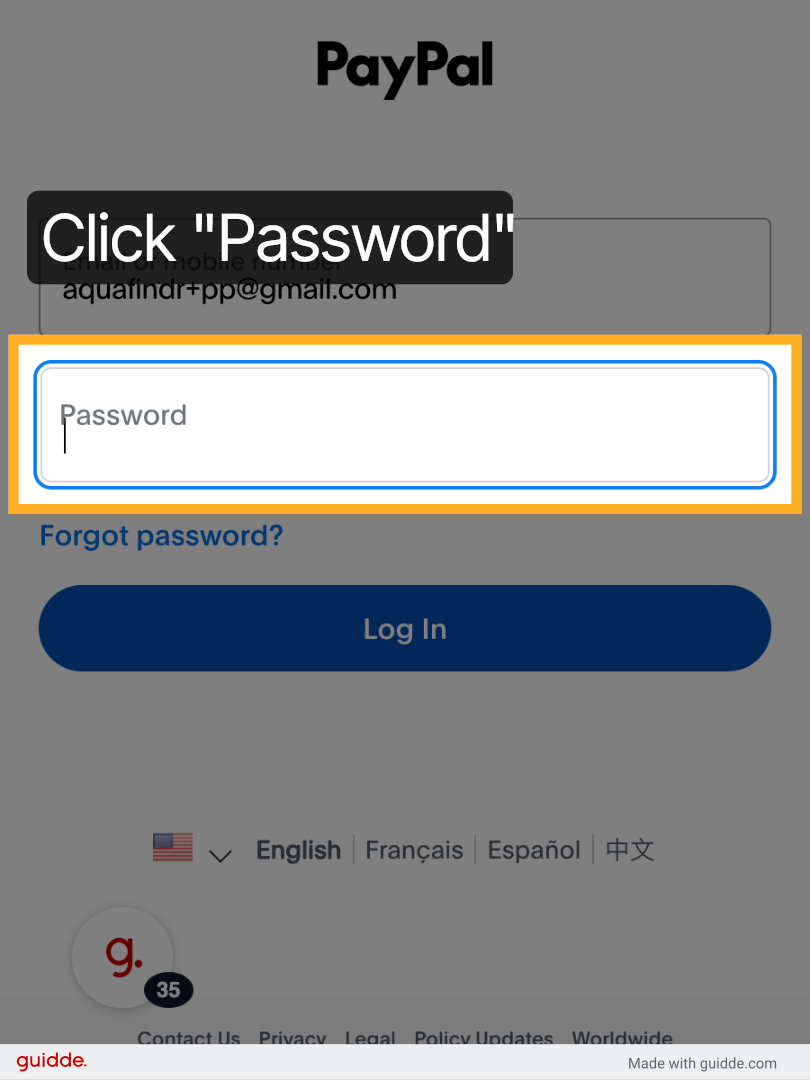
Click Password Field #
Click the password field to enter your PayPal password.
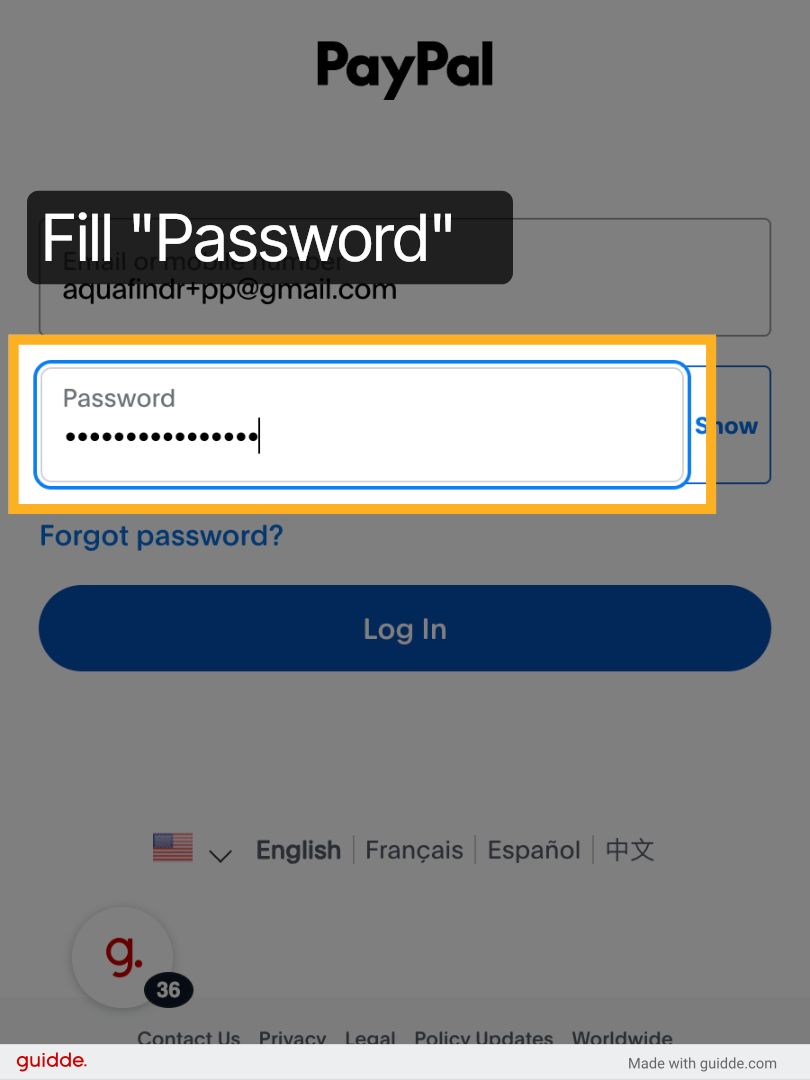
Enter PayPal Password #
Fill in your PayPal password to log in securely.
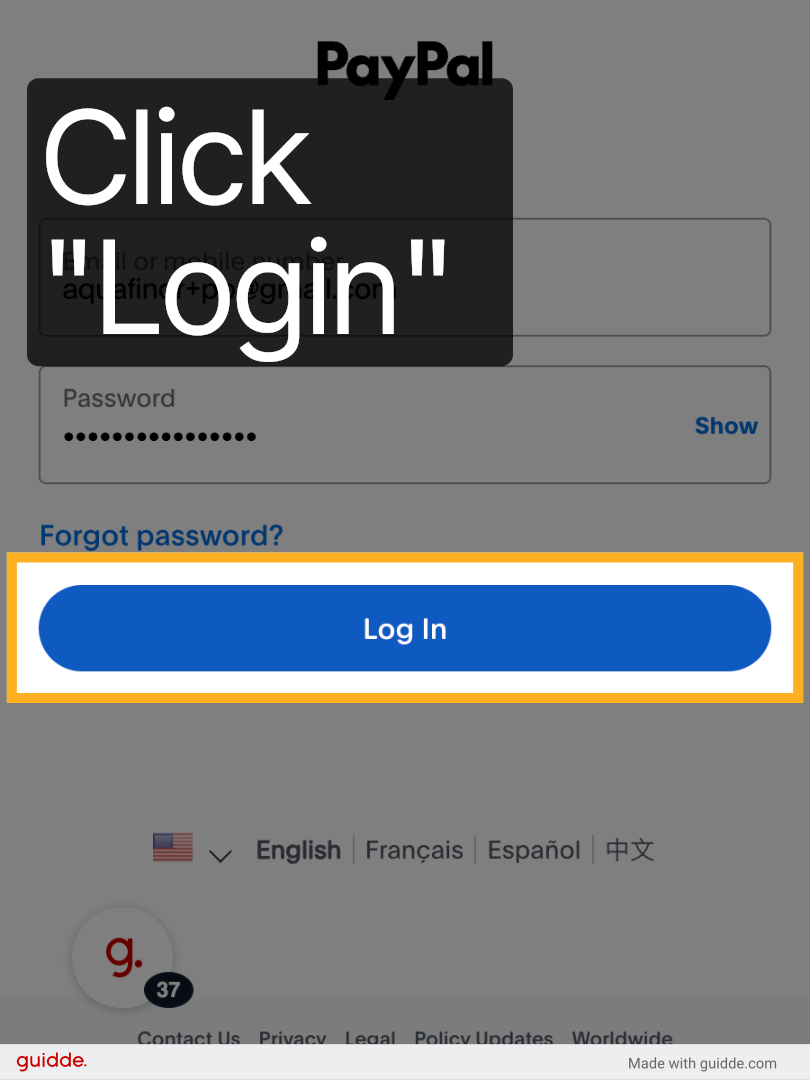
Click Login Button #
Click Login to access your PayPal account.
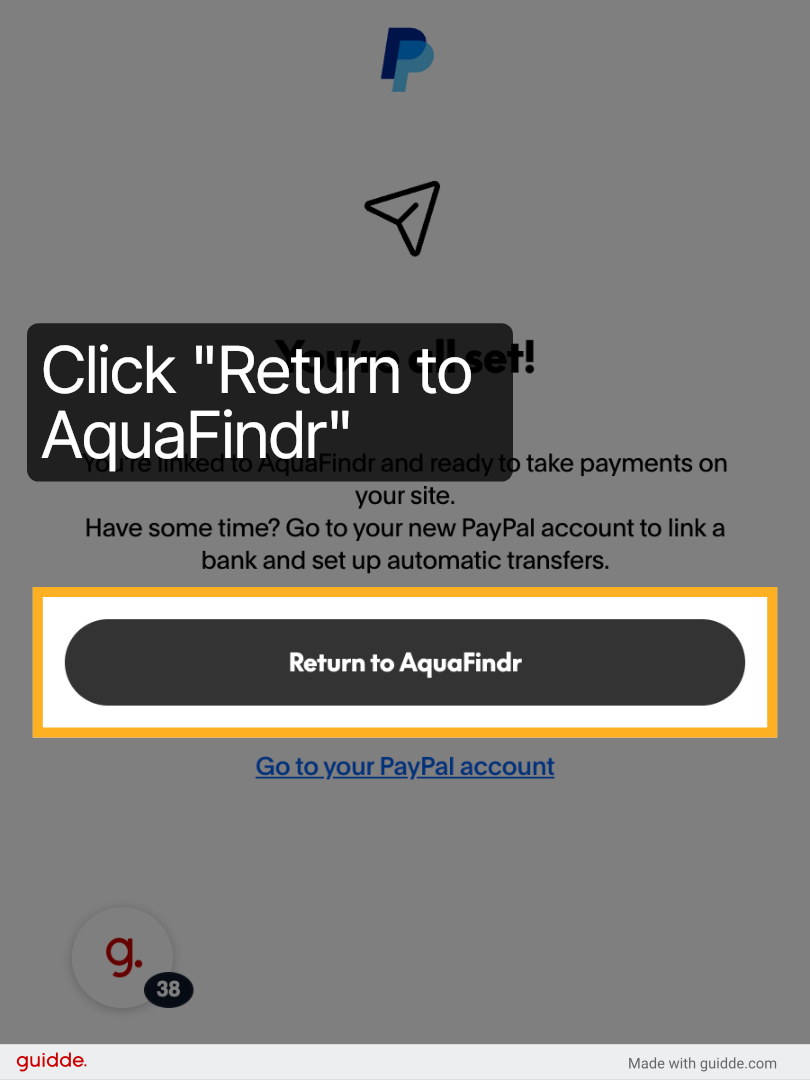
1Return to AquaFindr #
Click Return to AquaFindr to continue vendor setup.
Switch Back to AquaFindr #
Switch to env-aquafindrwp-premiumstag.kinsta.cloud to resume your vendor registration.